 Clash Verge Rev
Define a testable goal
Before editing, name the exact traffic you want to change: for example, one test domain should use a chosen group while a trusted local resource stays direct. Save the working configuration and note its group names. More rules do not automatically produce better routing. Avoid copying a large configuration whose group references and purpose you cannot explain.
Separate rules, groups and nodes
A rule chooses a policy, a proxy group chooses an exit strategy, and a node represents a connection endpoint. Changing a group that the matching rule never uses will not alter the request. Follow the chain from request to rule to group to actual exit. DIRECT means a direct connection and REJECT blocks traffic; neither should be mistaken for an ordinary server name.
Check order and matching conditions
Common routing rules are evaluated in order. An earlier broad match can prevent a later specific condition from being reached, so a fallback belongs after the intended specific rules. Domain and IP rules use different inputs. Inspect the destination and rule type in the connection record instead of drawing conclusions from the browser address bar alone.
Keep changes across subscription updates
A subscription refresh can replace downloaded configuration. Put persistent custom rules in the override or extension mechanism supported by your client version, and validate syntax and referenced group names. Add one rule, apply it and check for core errors before adding another. Keep an untouched working copy and never paste credentials into a script you do not understand.
Test new connections and roll back
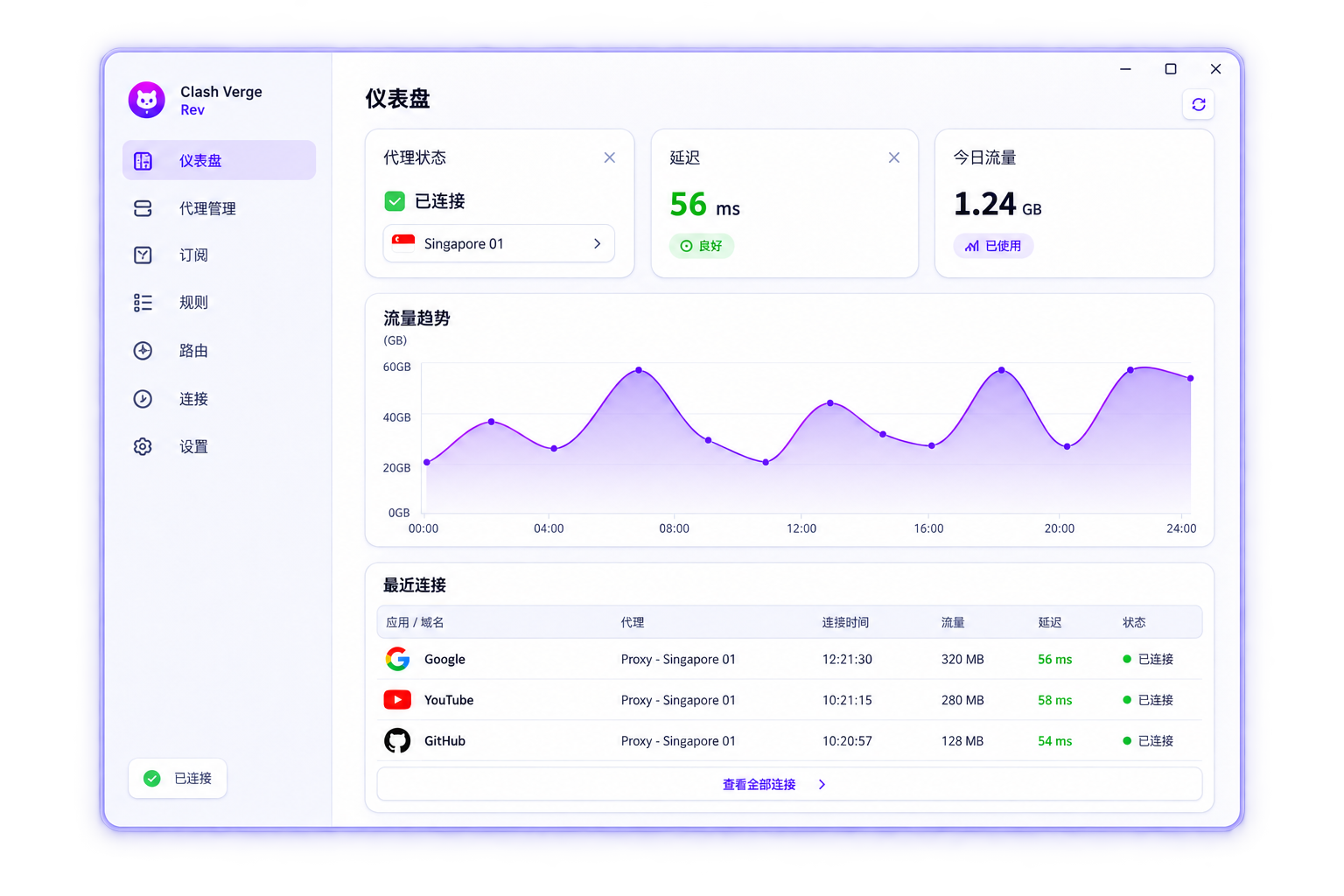
Create a new connection after applying the change; an existing long-lived connection may retain its earlier route. Test destinations that should change and one that should remain unaffected. Repeat the checks after subscription updates. If routing breaks broadly, restore the backup or remove the last change. Share only a redacted rule and reproduction steps, not the complete private profile.