 Clash Verge Rev
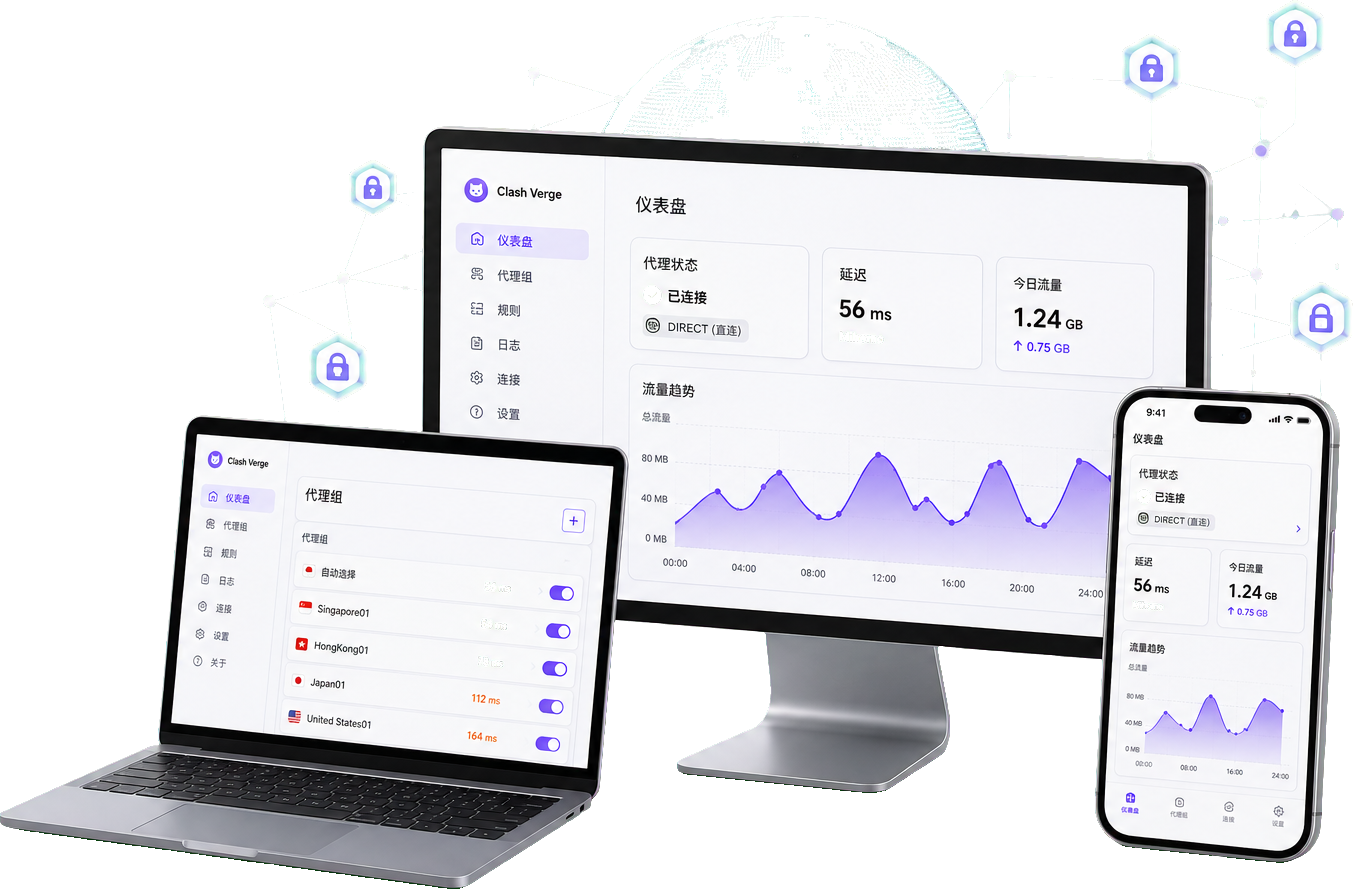
Before installation
The client manages proxy configurations; installing it does not supply a working network service. Prepare a subscription or local profile that you are authorized to use. Check your operating system and CPU architecture against the release notes. Keep subscription links private because their tokens may grant access to your service. Interface names can differ between releases.
Install with a minimal setup
Choose the matching desktop build in the download center and record its version. For the first test, leave TUN, custom scripts and other VPN software out of the setup. If no window opens, investigate startup dependencies first. If the interface opens but has no nodes, investigate the profile instead of repeatedly reinstalling. Back up an existing configuration before replacing it.
Import and select a profile
Import a trusted subscription URL or local file in profile management. Wait for the result, then select that profile. A name appearing in the list does not prove that downloading and parsing succeeded: check its update time, error message and available proxy groups. A login page is not a subscription file. Do not upload private subscriptions to an untrusted conversion website.
Choose an exit and enable the system proxy
Start in rule mode. Select a working node in the group actually referenced by your rules, then enable the system proxy. A latency result is a connectivity hint, not a bandwidth guarantee. Open an authorized test destination and inspect the connection list for its request, matched rule and selected exit. Only applications that respect the operating system proxy setting will follow this method.
Verify and recover
Check both the visible result and the connection record. A working page with no corresponding record may have bypassed the client; a recorded but failing connection points to a different problem. Change one setting at a time. If connectivity breaks, disable the system proxy and TUN and confirm the ordinary network still works. Share version details and a redacted error excerpt when requesting help, never subscription credentials.